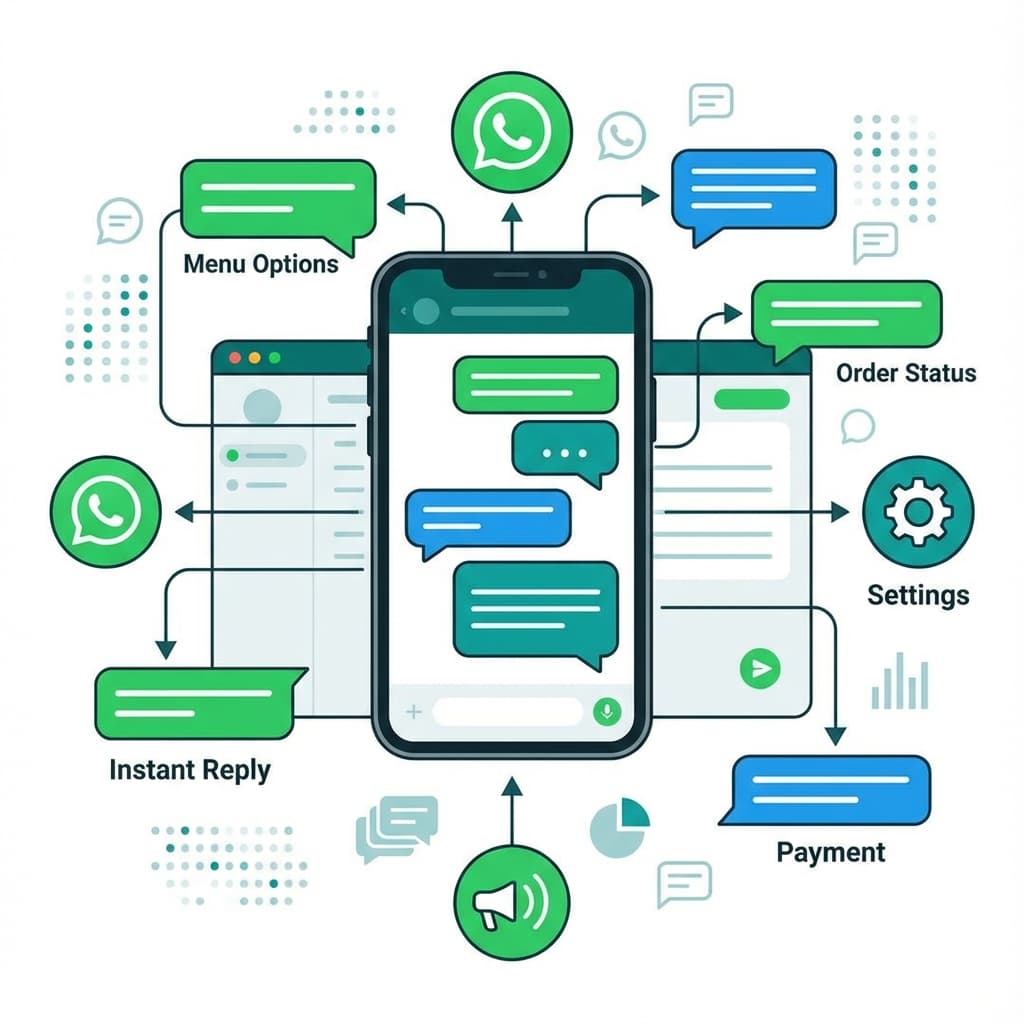
WhatsApp has 2 billion users worldwide, and WhatsApp Business is becoming the preferred communication channel for customers. But manually responding to every message is impossible as you scale. Smart automation is the key to providing instant, personalized responses while maintaining the human touch your customers expect.
Why WhatsApp Business Automation Matters
WhatsApp isn't just another messaging app—it's where your customers already are:
- 98% open rate compared to 20% for email
- 90% of messages are read within 3 minutes
- Customers prefer it over phone calls and emails
- Global reach with 180+ countries using it daily
The Opportunity:
Businesses using WhatsApp Business automation see 40% higher engagement rates and 60% faster response times compared to traditional channels.
Strategy 1: Instant Welcome Messages
First impressions matter. When someone messages you for the first time, they should get an instant, helpful response.
How to Set It Up
- Create a greeting message that introduces your business
- Include your hours, services, and how you can help
- Add quick reply buttons for common requests
- Make it conversational, not robotic
Example Welcome Message:
"Hi! 👋 Welcome to [Business Name]! We're a [type of business] serving [location]. How can we help you today?"
Quick Reply Options:
- 📅 Book an appointment
- 💰 View pricing
- 📍 Get directions
- ❓ Ask a question
Use emojis strategically in WhatsApp messages. They increase engagement by 25% and make your business feel more approachable.
Strategy 2: Smart FAQ Automation
80% of customer questions are repetitive. Automate answers to save time and provide instant help.
Common Questions to Automate
- "What are your hours?" → Auto-respond with current hours
- "How much does [service] cost?" → Send pricing instantly
- "Where are you located?" → Share location pin automatically
- "Do you have availability?" → Show available time slots
- "What services do you offer?" → Send service menu
Audit your last 100 WhatsApp conversations. Identify the top 10 most common questions and automate responses for those first. This alone can save 5-10 hours per week.
Advanced FAQ Features
- Context-aware responses: AI understands variations of the same question
- Multi-language support: Automatically detect and respond in customer's language
- Rich media: Send images, PDFs, or videos as answers
- Follow-up questions: Guide customers through complex inquiries
Strategy 3: Appointment Booking Automation
Let customers book appointments directly through WhatsApp without phone calls or back-and-forth messages.
The Booking Flow
- Customer requests appointment: "I need a haircut"
- AI asks for preferences: "What day works best for you?"
- Show available slots: Display real calendar availability
- Confirm booking: "You're booked for Tuesday at 2pm!"
- Send confirmation: Include date, time, location, and cancellation policy
Real Impact:
A salon in Miami automated WhatsApp bookings and saw 150% increase in appointments within 30 days. Customers loved booking at 11pm without waiting for the salon to open.
Always sync with your actual calendar (Google Calendar or Outlook) to prevent double-bookings. Never rely on manual tracking when automating appointments.
Strategy 4: Automated Reminders & Follow-Ups
Reduce no-shows and increase repeat business with smart reminder automation.
Reminder Sequence
- 24 hours before: "Hi [Name]! Reminder: Your appointment is tomorrow at 2pm. Reply CONFIRM or RESCHEDULE"
- 2 hours before: "See you in 2 hours! We're at [address]. Need directions? [Google Maps link]"
- After appointment: "Thanks for visiting! How was your experience? [Feedback link]"
- 2 weeks later: "Time for your next [service]? Book now: [booking link]"
Businesses using 2-reminder sequences (24hr + 2hr) reduce no-shows by 60% compared to single reminders.
Re-engagement Campaigns
Automatically message customers who haven't visited in a while:
- 30 days inactive: "We miss you! Here's 10% off your next visit"
- Birthday: "Happy Birthday! Enjoy a complimentary [service]"
- Anniversary: "It's been a year since your first visit! Thank you for your loyalty"
Strategy 5: Broadcast Messages for Promotions
Send targeted promotions to your customer list without spamming.
Best Practices for Broadcasts
- Segment your audience: Send relevant offers to specific groups
- Personalize messages: Use customer names and purchase history
- Include clear CTA: Make it easy to take action
- Respect opt-outs: Always honor unsubscribe requests
- Limit frequency: Max 2-3 promotional messages per month
Example Broadcast:
"Hi [Name]! 🎉 Flash Sale: 20% off all [services] this weekend only. Book now: [link]. Limited spots available!"
WhatsApp has strict anti-spam policies. Only message customers who have opted in. Excessive promotional messages can get your number banned.
Implementation Guide
Step 1: Set Up WhatsApp Business API
- Apply for WhatsApp Business API access
- Verify your business (requires business documents)
- Choose an automation platform that integrates with WhatsApp
- Connect your WhatsApp number to the platform
Step 2: Train Your AI Assistant
- Input your FAQs and common questions
- Add business information (hours, location, services, pricing)
- Set up greeting messages and quick replies
- Configure escalation rules for complex inquiries
Step 3: Test Thoroughly
- Send test messages from different numbers
- Try various question formats
- Test booking flow end-to-end
- Verify reminders are sent correctly
- Check that escalations work properly
Step 4: Go Live & Monitor
- Announce WhatsApp availability to customers
- Monitor conversations daily for the first week
- Refine responses based on customer feedback
- Track metrics (response time, satisfaction, conversions)
Measuring Success
Key Metrics to Track:
- Response TimeTarget: <1 minute
- Automation RateTarget: 70%+
- Booking ConversionTarget: 40%+
- Customer SatisfactionTarget: 4.5/5
- No-Show RateTarget: <10%
Frequently Asked Questions
Is WhatsApp Business free?
WhatsApp Business app is free for small businesses. WhatsApp Business API (required for automation) has costs based on conversation volume, typically $0.005-0.02 per conversation depending on your country.
Can I use my personal WhatsApp number?
No. You need a separate business number for WhatsApp Business. You can port an existing business number or get a new one specifically for WhatsApp.
Will customers know they're talking to a bot?
You can be transparent about automation while maintaining a conversational tone. Most customers prefer instant automated responses over waiting hours for human replies.
What happens if the AI can't answer a question?
Set up escalation rules. Complex questions automatically get forwarded to your team with full conversation context, ensuring customers always get help.
Can I automate WhatsApp without technical skills?
Yes! Modern platforms like Infinity Pro AI make WhatsApp automation accessible to non-technical business owners. Setup typically takes a few hours with guided onboarding.